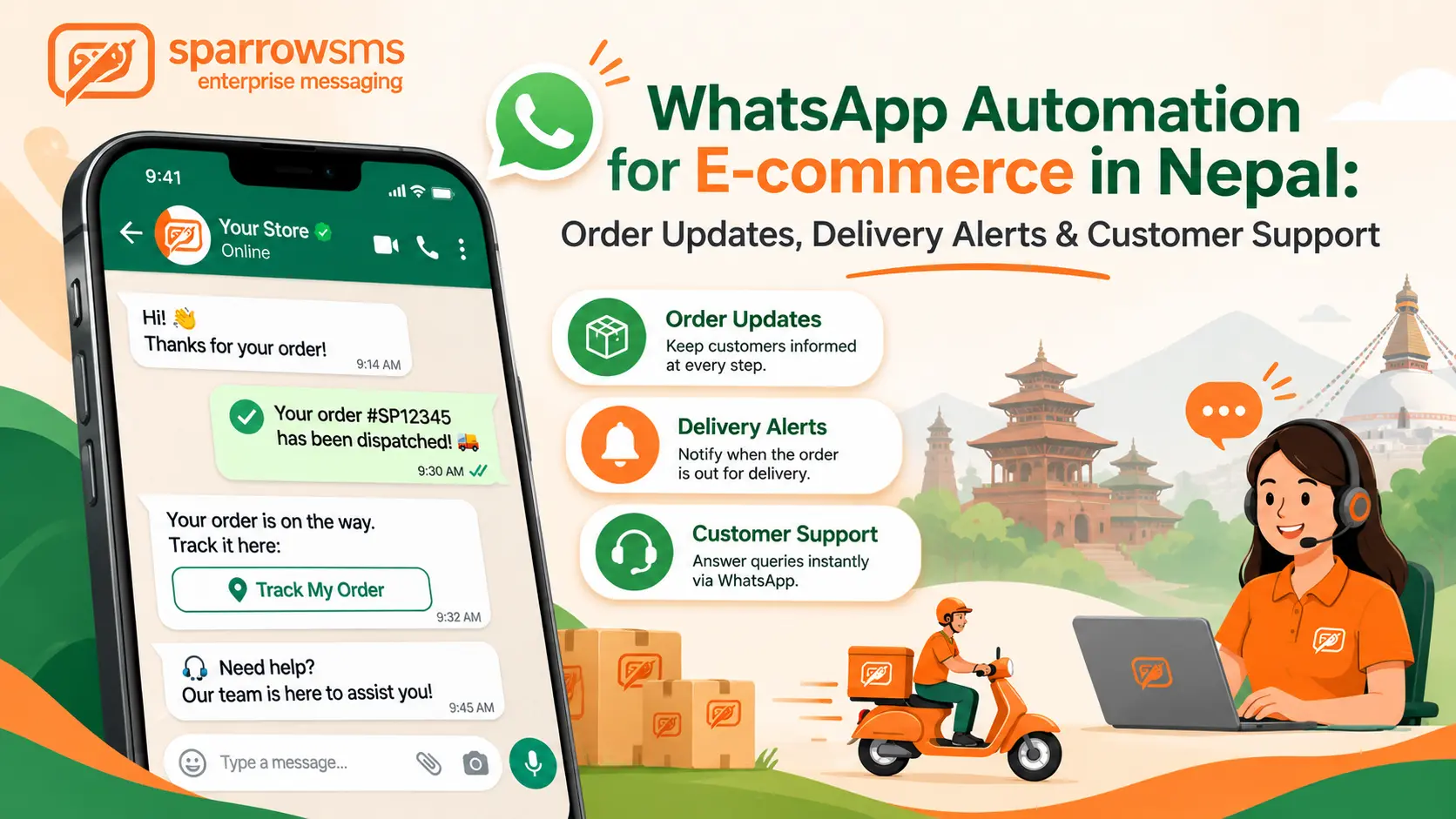

WhatsApp automation for e-commerce means connecting your online store to the WhatsApp Business API so order confirmations, payment receipts, delivery updates and common support answers are sent automatically. It helps online stores reduce repetitive manual work, keep customers informed and manage order communication more efficiently.
If you run an online store in Nepal, you know the pattern. A customer places an order, then messages to ask where the order is. Your team types the same update ten times an hour, and the buyer who waits too long may leave a bad review.
With WhatsApp order notifications, your store sends confirmations, shipping updates and answers to common questions automatically, using an app your customers already open every day.
Sparrow SMS, an official Meta Technology Provider, gives Nepali businesses access to the WhatsApp Business API in Nepal and bills in rupees.
This guide covers what you can automate, how WhatsApp pricing works, message templates you can copy, and how to get started.
What Is WhatsApp Automation for E-commerce?

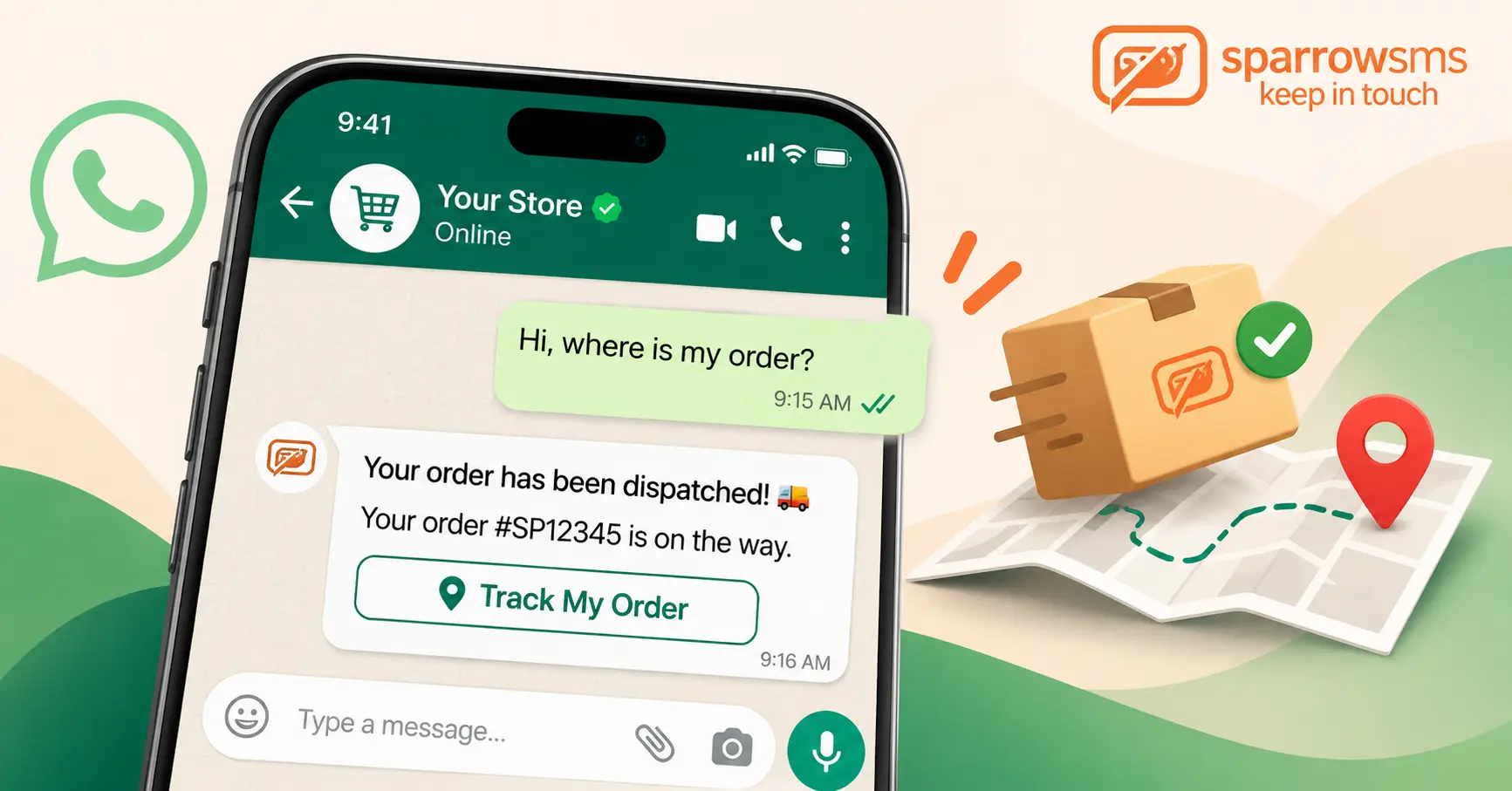
WhatsApp automation for e-commerce means connecting your online store to the WhatsApp Business API so that specific store events trigger messages automatically.
For example, when an order is placed, a payment arrives, a parcel is dispatched or a customer abandons their cart, your system can trigger an appropriate WhatsApp message.
A chatbot can also answer routine questions at any hour and pass complicated requests to a human support agent.
WhatsApp Business App vs WhatsApp Business API
The free WhatsApp Business app is primarily designed for manual communication from a phone. The WhatsApp Business API supports approved template messages at scale, store integrations and shared team inbox workflows.
For an e-commerce store, the order journey can look like this:
Why Nepali Online Stores Should Automate WhatsApp Order Updates
WhatsApp automation can be particularly useful for Nepali e-commerce businesses because of local delivery practices, payment preferences and customer communication habits.
Cash on Delivery Is Common
Many Nepali shoppers still pay when the parcel arrives. A confirmation message before dispatch helps filter fake and mistaken orders.
Delivery Addresses Rely on Landmarks
Many deliveries use a tole, ward or nearby landmark instead of a house number. WhatsApp lets you ask the customer to share a location pin before the rider leaves.
Delivery Times Vary by District
Parcels inside Kathmandu Valley may arrive faster than those going outside it. Regular status updates help reduce repeated “Where is my order?” messages.
Festival Seasons Overload Customer Support
Dashain and Tihar sales bring order spikes. Automation lets a small customer support team manage more routine communication.
Local Payments and Rupee Billing
Customers use eSewa, Khalti and FonePay. Sparrow invoices in Nepali rupees.
Customers Already Use WhatsApp
You can reach customers through an app they already use, without asking them to install another application.
5 Ways Nepali Online Stores Use the WhatsApp Business API
WhatsApp Order Confirmation Messages
Send a message as soon as an order is placed, including the order number, items, total and delivery address.
This reassures the buyer and gives them a chance to correct a wrong address before the parcel leaves.
Where addresses rely on landmarks instead of house numbers, ask the customer to share a location pin directly in the chat.
Payment Confirmation and WhatsApp COD Confirmation in Nepal
Confirm online payments with a short receipt. For cash on delivery, ask the customer to confirm the order with a button before you ship.
This also helps filter out fake or mistaken orders before a rider is sent.
Sparrow also supports linking eSewa, Khalti and FonePay payment options inside WhatsApp conversations, so a customer can pay without leaving the chat.
WhatsApp Delivery Notifications
Send an update at each stage: dispatched, out for delivery and delivered.
Include the courier name and a tracking link or the rider’s contact, whether you use your own riders or a courier partner.
For deliveries outside Kathmandu Valley, where transit takes longer, add an expected delivery date. You can also prepare a “delivery failed, reply to reschedule” template for missed deliveries.
WhatsApp Abandoned Cart Reminders
Send a reminder to customers who left items in their cart and opted in.
This is a marketing message, so it costs more than an order update. Keep the reminder relevant and avoid sending repeated unwanted messages.
For more campaign ideas, read our guide to WhatsApp marketing in Nepal.
If you plan larger campaigns, see how to send bulk WhatsApp messages without getting banned.
WhatsApp Customer Support Automation
Set up a chatbot for the questions you answer every day: delivery time, return policy, order status and size help.
Always include a clear option to talk to a person.
Customers often type in Romanized Nepali, so test your flows with real phrases about COD, delivery outside the Valley and eSewa payment.
Sparrow’s Chatflow builder lets you create these flows without code. Replies to customers who message first fall inside the 24-hour customer service window.
How WhatsApp Automation Pricing Works in Nepal
WhatsApp Business API pricing depends on the message category. Understanding these categories helps e-commerce stores estimate their messaging costs.
Utility
Order confirmations, payment updates and delivery notifications. These are the messages most e-commerce automation uses.
Authentication
OTPs and login codes used to authenticate customers.
Marketing
Abandoned cart reminders, offers and restock alerts. These cost more than utility messages.
Service
Replies to customers who message your business first. Each business phone number receives a monthly allowance of 1,000 free service messages.
Meta reviews its WhatsApp Business Platform pricing from time to time. Message charges depend on the message category and the recipient’s country. Check the official WhatsApp Business Platform pricing documentation for the latest pricing rules and rate cards.
We explain the full list of changes in what changed on 1 October 2026.
Your Sparrow plan is separate from Meta’s per-message fees, and Sparrow invoices everything in Nepali rupees.
Important: Understand the Difference Between Utility and Service Messages
Since 1 October, an order-shipped template is billed as a utility message even when it is sent inside an open conversation. Where a plain free-form reply answers the question, it can use your free monthly allowance instead.
Meta decides the category based on message content. An offer hidden inside an order update can be billed as marketing.
How to Estimate Your Own WhatsApp Messaging Cost
Multiply your monthly orders by the number of updates each order triggers.
Example calculation:
Monthly orders × updates per order = monthly utility message volume.
Then add any marketing reminders and support volume to estimate your total messaging requirement.
For current per-message rates and plans, see Sparrow’s WhatsApp Business API plans or request a quote for your volume.
Copy-Ready WhatsApp Message Templates for E-commerce
Below are examples of messages an online store can use for common order events.
Every template must be approved by Meta before you can send it. Variables go in double braces. Sparrow writes and submits templates for you. Treat these as starting points because Meta reviews each one, and wording may need small changes before approval.
Tips for Faster Template Approval
- Do not start or end a template with a variable.
- Give a realistic sample value for every variable when submitting.
- Keep utility templates free of promotional offers.
- Add an opt-out line to marketing templates.
- Remember that Meta decides the category based on message content.
If a utility template contains a discount or upsell, it can be reclassified and billed as marketing.
Many Nepali customers write in Romanized Nepali. Make sure your chatbot recognizes common phrases, and check Meta’s message template documentation before preparing templates in different languages.
WhatsApp Business App vs API for Online Stores
Not every online store needs the WhatsApp Business API immediately. The right option depends on your order volume, automation requirements and customer support needs.
| Feature | Business App | Business API |
|---|---|---|
| Cost | Free | Per-message fee plus provider plan |
| Automated order updates | No | Yes |
| Store integration | No | Yes |
| Team inbox | Limited | Yes |
| Chatbots | Basic auto-replies | Full flows |
| Best for | A few orders a day | Growing stores |
For a broader overview, see our Guide and Benefits of WhatsApp Business API in 2026.
How to Set Up WhatsApp Automation for Your Online Store in Nepal
Getting started involves preparing your business details, choosing the right setup and connecting your online store.
You need a Facebook Business Manager account. Sparrow guides you through Meta’s verification.
The full platform gives you a dashboard, shared inbox and chatbot builder. Developers can use the REST API instead. Compare options on the pricing page.
Use a dedicated business number or port your existing one.
Start with confirmation, dispatch and delivery messages. Sparrow submits them for you.
Ask customers for permission at checkout and keep a record.
Shopify and WooCommerce integrations are available. Custom stores can use the REST API. Visit the API documentation for code samples.
Test with your own orders before going live. Most Sparrow clients go live in 5 to 7 business days.
Plan Ahead for Dashain, Tihar and Sale Seasons
Festival and sale seasons are when automation can be particularly useful, and when mistakes can cost more. Before the next peak:
- Get templates approved early. Do not leave approval to the last week before a sale.
- Estimate your volume. Multiply expected orders by the updates each order triggers, then check that your balance covers it.
- Prepare a delay template. A short apology with a new delivery date can help prevent unnecessary frustration.
- Watch your free service allowance. Each business phone number receives 1,000 free service messages per month, and a busy festival month can pass it.
- Add agents for peak hours. Test the handoff from bot to person before traffic increases.
WhatsApp Automation Best Practices and Mistakes to Avoid
Automation should make customer communication easier, not make it feel impersonal or intrusive.
- Always get opt-in. Contact people only when they have provided their number and given permission to receive messages. Follow the WhatsApp Business Messaging Policy and honour opt-out requests.
- Keep each message to one purpose. Short and useful messages are better than unnecessarily long ones.
- Do not disguise offers as order updates. It risks message reclassification and template rejection.
- Offer a human handoff. A chatbot should never be the only support option.
- Understand the 24-hour customer service window. After a customer messages you, you can send free-form replies for 24 hours. Replies are free only up to the applicable monthly allowance.
- Understand Click-to-WhatsApp ads. When a customer starts a chat from an ad and you reply in time, messages are free for 72 hours.
For more details, read our guide to the WhatsApp 24-hour customer service rule.
Should You Use SMS Alongside WhatsApp?
Yes, SMS can be useful as a backup communication channel.
Not every customer uses WhatsApp. Many Nepali shoppers also use Viber or Messenger, and some customers may not have mobile data when a message arrives.
Critical messages such as OTPs should always have an SMS fallback.
Our Web SMS vs WhatsApp comparison explains when to use each channel.
Sparrow’s bulk SMS service and e-commerce SMS solutions work alongside WhatsApp.
Frequently Asked Questions About WhatsApp Automation for Online Stores in Nepal
1. What is WhatsApp automation for e-commerce?
It is using the WhatsApp Business API to send order, payment, delivery and support messages automatically when events happen in your store.
2. How much does it cost to send order updates on WhatsApp in Nepal?
Order updates use the utility message category. You pay a per-message fee plus your provider’s plan, invoiced in rupees. See Sparrow’s pricing page for current rates.
3. Do I need the WhatsApp Business API, or is the free app enough?
The free app is fine for a few orders a day. You need the API for automated notifications at scale, store integration and a shared team inbox.
4. Can I send abandoned cart reminders on WhatsApp?
Yes, as approved marketing templates, only to customers who opted in. They cost more than order updates.
5. Are customer support replies free?
The first 1,000 service messages per business phone number each month are free. After that they are billed at the applicable rate.
6. Does WhatsApp automation work with Shopify and WooCommerce?
Yes. Sparrow offers Shopify and WooCommerce integrations, and the REST API covers custom stores.
7. How long does setup take?
Most businesses are live within 5 to 7 business days.
8. Can I pay for WhatsApp messages in Nepali rupees?
Yes. Sparrow invoices in Nepali rupees. Ask for a quote to see the total for your message volume.
9. Can I confirm cash-on-delivery orders on WhatsApp?
Yes. Send a template with Confirm and Cancel buttons before dispatch, so fake and mistaken orders can be caught before a rider leaves.
10. I take orders on Facebook, Instagram or a marketplace. Can I still automate?
Orders that reach your own website or system can trigger messages through the API. For orders you take in chat, use templates and a shared inbox. For marketplace orders, check first what order data the marketplace gives you.
Ready to Automate Your Store’s Messages?
Send automated order confirmations, payment updates, delivery notifications and customer support messages through WhatsApp Business API with Sparrow SMS.
Explore WhatsApp Business API View Pricing PlansLast verified: November 2026. Meta reviews its rates periodically.


 By